

Examples
Hello World
A simple smart contract that stores a
string message on its state. Open in NearPlay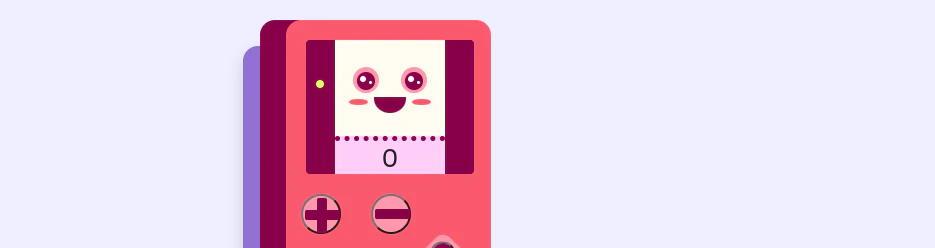
Counter
A friendly counter that stores a number with methods to increment, decrement, and reset it. Open in NearPlay
Guest Book
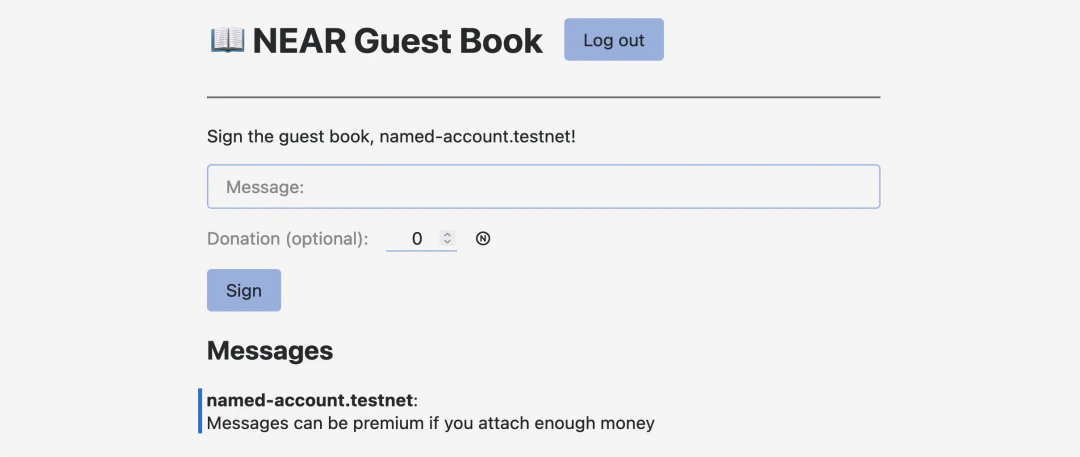
Users can sign the guest book, optionally paying
0.01 Ⓝ to mark their messages as “premium”. Open in NearPlay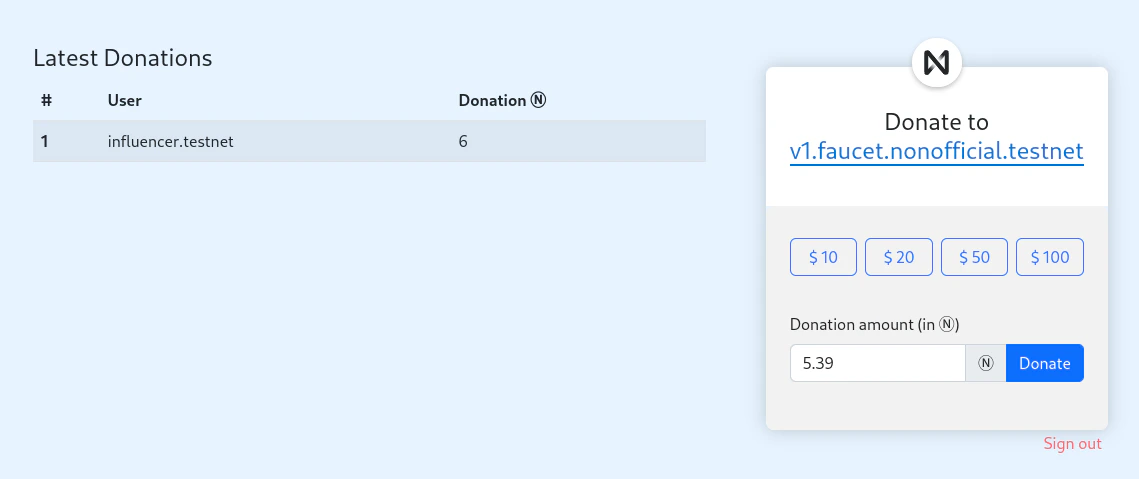
Donation
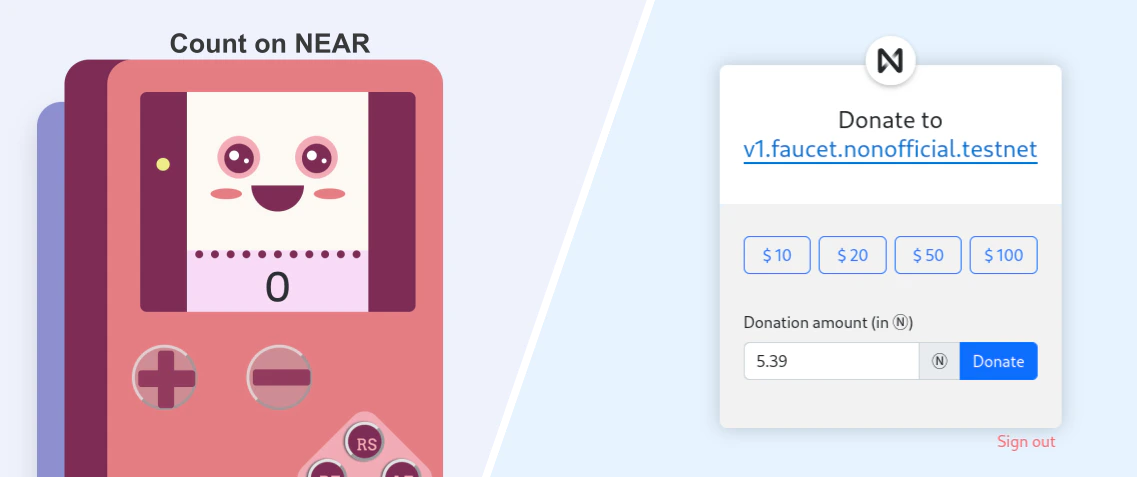
Forward NEAR tokens to a beneficiary while tracking all donations. Learn how contracts handle token transfers. Open in NearPlay
Coin Flip
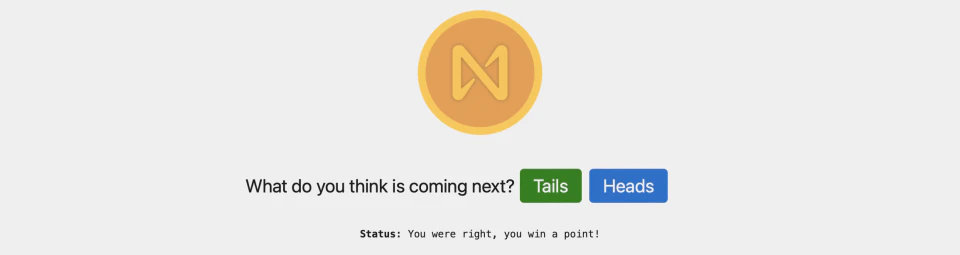
Guess the outcome of a coin flip and earn points. Demonstrates how to handle randomness on the blockchain. Open in NearPlay
Structure of the Examples
All examples follow a consistent structure, making it easy to navigate between them. Each repository contains the smart contract written in Rust (contract-rs), along with a simple frontend to interact with the contract.
Some repositories also contain the same contract implemented in other languages using community-maintained SDKs — this guide only walks through the Rust implementation.
Frontend
Each example includes a Next.js frontend that connects to NEAR and lets you interact with the smart contract. To start it, run:Connecting to NEAR
The Hello NEAR frontend defines a localNearProvider that uses NEAR Connect to manage wallet connections and sign transactions, and near-api-js to query the blockchain.
The provider wraps the application in src/pages/_app.tsx so components can access its wallet state and contract helpers:
useNearWallet hook to sign in and out, read contract state, and call contract methods:
Smart Contract
All repositories include the same smart contract implemented in Rust. The contracts are implemented following the latest version of the SDK, and include sandbox tests showcasing how to properly test smart contracts in a realistic environment.Testing
Each contract includes sandbox tests that simulate real user interactions. For example, in theGuest Book example, the tests cover scenarios like having multiple accounts signing the guest book, including premium messages.
Creating an Account
All smart contracts can be built and deployed using theNEAR CLI. A good first step is to always create a new NEAR account to deploy your contract:
Building & Deploying
Once you created an account to host the contract, you can build and deploy it:Interacting via CLI
Once your contract is deployed, check theREADME.md of each repository to see the available methods you can call.
As a general guide, the NEAR CLI has two main ways to interact with smart contracts:
Moving Forward
After exploring these basic examples, you can:- Modify the contracts - Try adding new functionality to deepen your understanding
- Learn the fundamentals - Check out Contract Anatomy and Storage