

Prefer an online IDE?
Prefer an online IDE?
Want to jump right into the code without setting up a local dev environment?Check out NEAR Playground for an easy-to-use online IDE with pre-configured templates.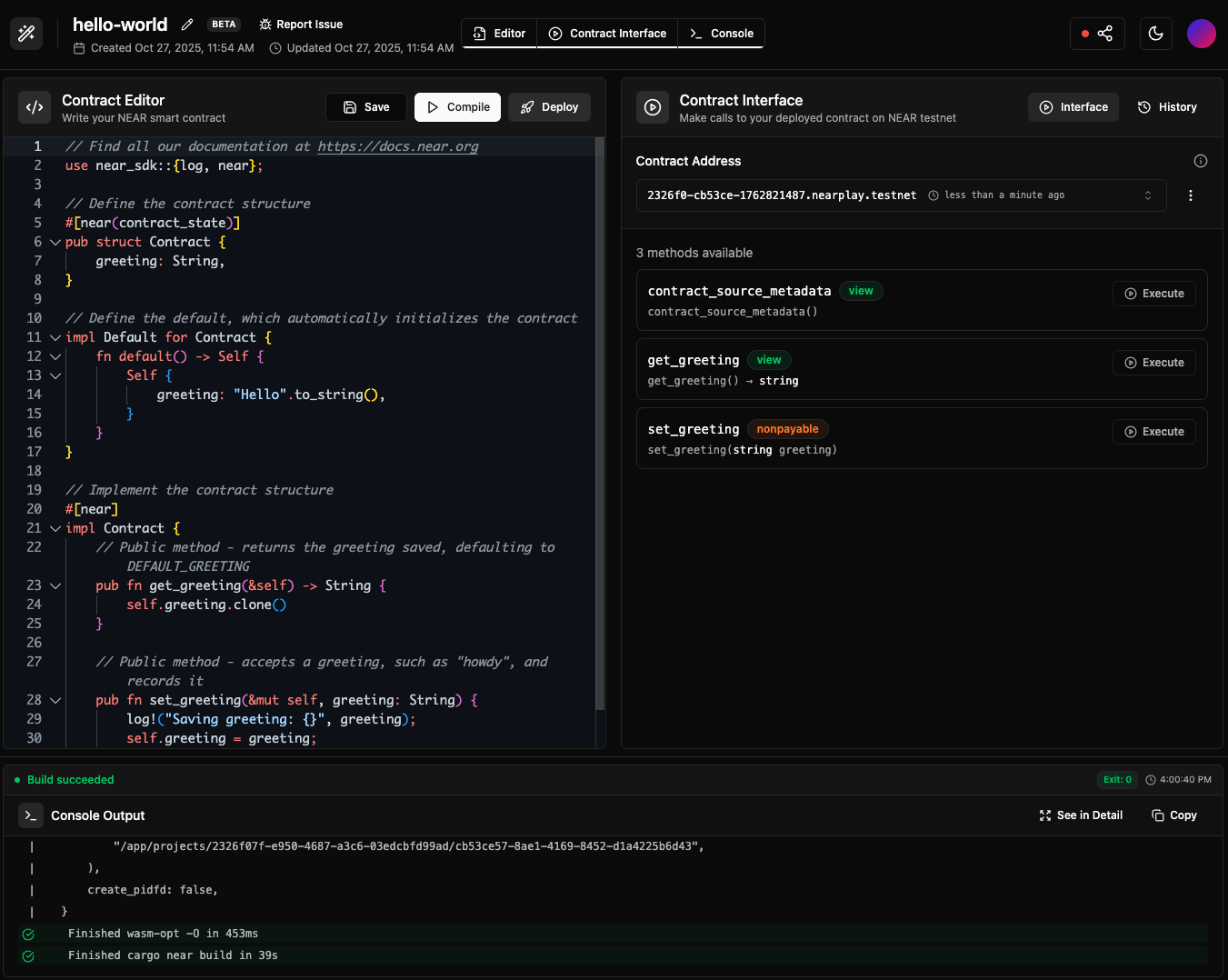

Prerequisites
Before starting, make sure to set up your development environment.Creating the contract
Create a smart contract with thecargo near scaffolding tool by following its instructions:
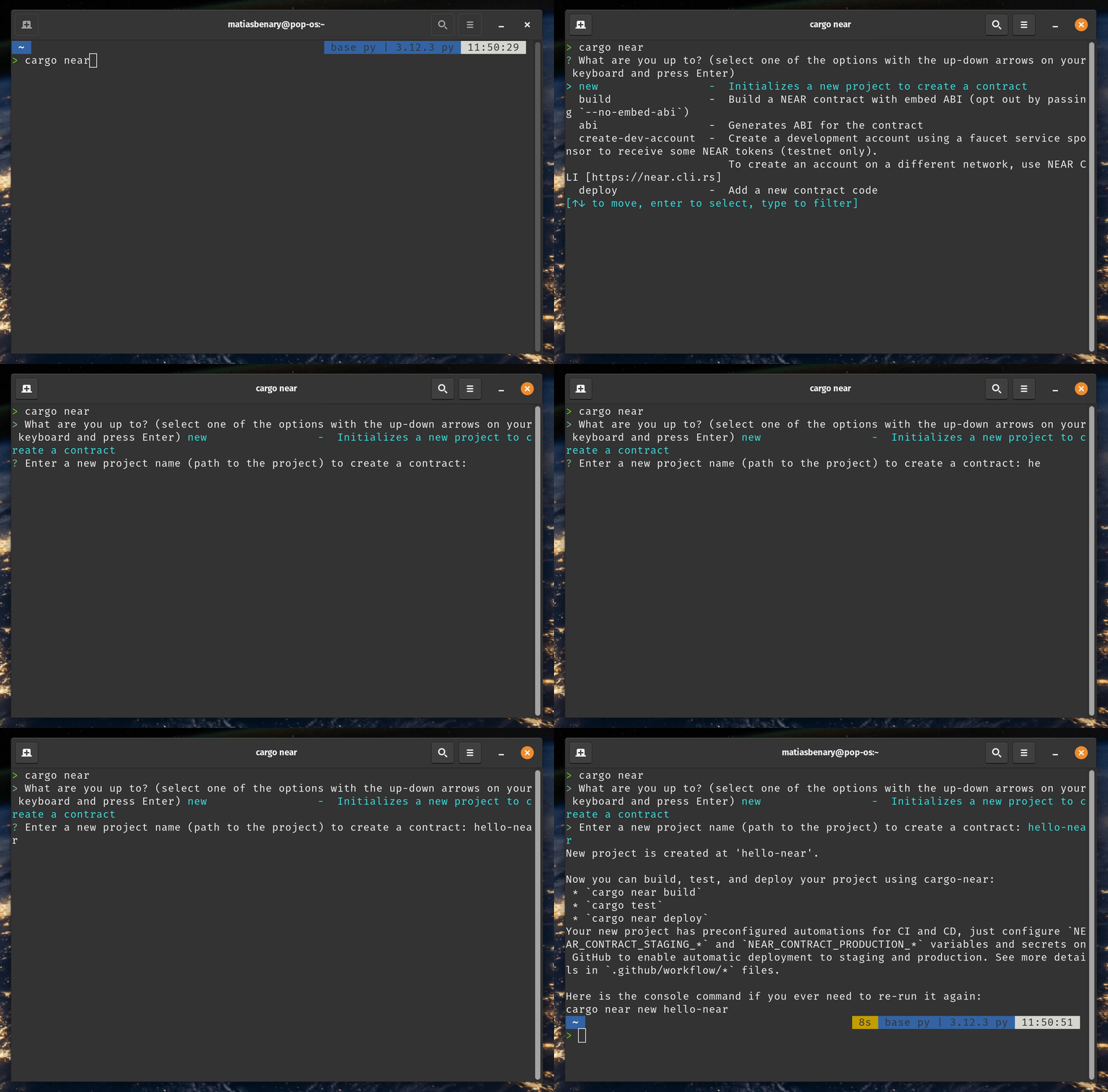
cargo near new
Build and deploy the contract
Let’s build the contract, create a NEAR testnet account, and deploy the contract to it.Got an error on Windows?
Got an error on Windows?
When working in
WSL—or another headless Linux environment—you might encounter issues creating an account because the CLI tries to save keys to the system keychain.In such cases, you can try the following command to create the account:Initialize the auction
The contract stores the highest bid, auction end time, auctioneer address, and a flag to track whether proceeds have been claimed. Itsinit function sets these values when the contract is first initialized:
Initialize the auction by setting its end time and designating the auctioneer to receive the funds:
Place and view bids
Place a bid in the auction by calling thebid method and attaching a NEAR deposit. The function checks whether the auction is ongoing and whether the bid is higher than the stored amount. If it is, the contract records the new bid and refunds the previous bidder.
In this example, use the
<bidder-account.testnet> account (remember to rename it) to call the bid function and attach a deposit of 0.01 NEAR.View the highest bid
Theget_highest_bid function only reads from the contract state, so it does not require a transaction or signature. You can also use the contract’s other view methods to query the auction end time, auctioneer, and claim status:
Expected Output
Expected Output
yoctoNEAR, the smallest unit of NEAR. Since 1 NEAR equals 10^24 yoctoNEAR, the displayed amount is 0.01 NEAR.
Claim the proceeds
After the auction ends, anyone can call theclaim method. It transfers the amount of the highest bid to the auctioneer and ends the auction:
Who won?After the auction ends, you can determine the highest bidder by calling the
get_highest_bid method again.Frequently Asked Questions
What about mainnet?
What about mainnet?
You can deploy a contract to mainnet using the same commands. Create a mainnet account and use the
--networkId mainnet flag in the near CLI commands.How much does it cost to deploy?
How much does it cost to deploy?
The cost of deploying a contract depends on its size: approximately 1 Ⓝ per 100 KB.
Can I update a contract after deploying?
Can I update a contract after deploying?
Yes. Redeploy with
near deploy <account> <wasm-file>. The account stays the same, and the code is updated.How do I test without deploying?
How do I test without deploying?
Use the sandbox tests shown in this guide. They run locally in a simulated NEAR environment.
Can I use a language other than Rust?
Can I use a language other than Rust?
Yes. You can write smart contracts in any language that compiles to WebAssembly. Our documentation focuses on Rust, but community-maintained SDKs are available for other languages. See supported languages.
Moving forward
Create a Frontend
Check the auction frontend tutorial to learn how to build a simple web app that interacts with the auction contract.
Extend the Contract
Follow the auction NFT tutorial to award the highest bidder a Non-Fungible Token (NFT) and allow users to bid using Fungible Tokens (FT).
Learn More about the SDK
Check our Anatomy of a Contract page to understand the different components that make up a NEAR smart contract.
Versioning for this article
Versioning for this article
At the time of this writing, this example works with the following versions:
- rustc:
1.86.0 - near-cli-rs:
0.22.0 - cargo-near:
0.16.1