

Template Setup
If you already have Node.js installed, you can usecreate-near-app to quickly setup a template:
pnpm.
http://localhost:3000 in your browser to view the dApp. Note that since the dApp uses NextJS the app might take longer to load the pages on first visit.
The app is not starting?
The app is not starting?
Make sure you are using node >= v22, you can easily switch versions using
nvm use 22Landing Page
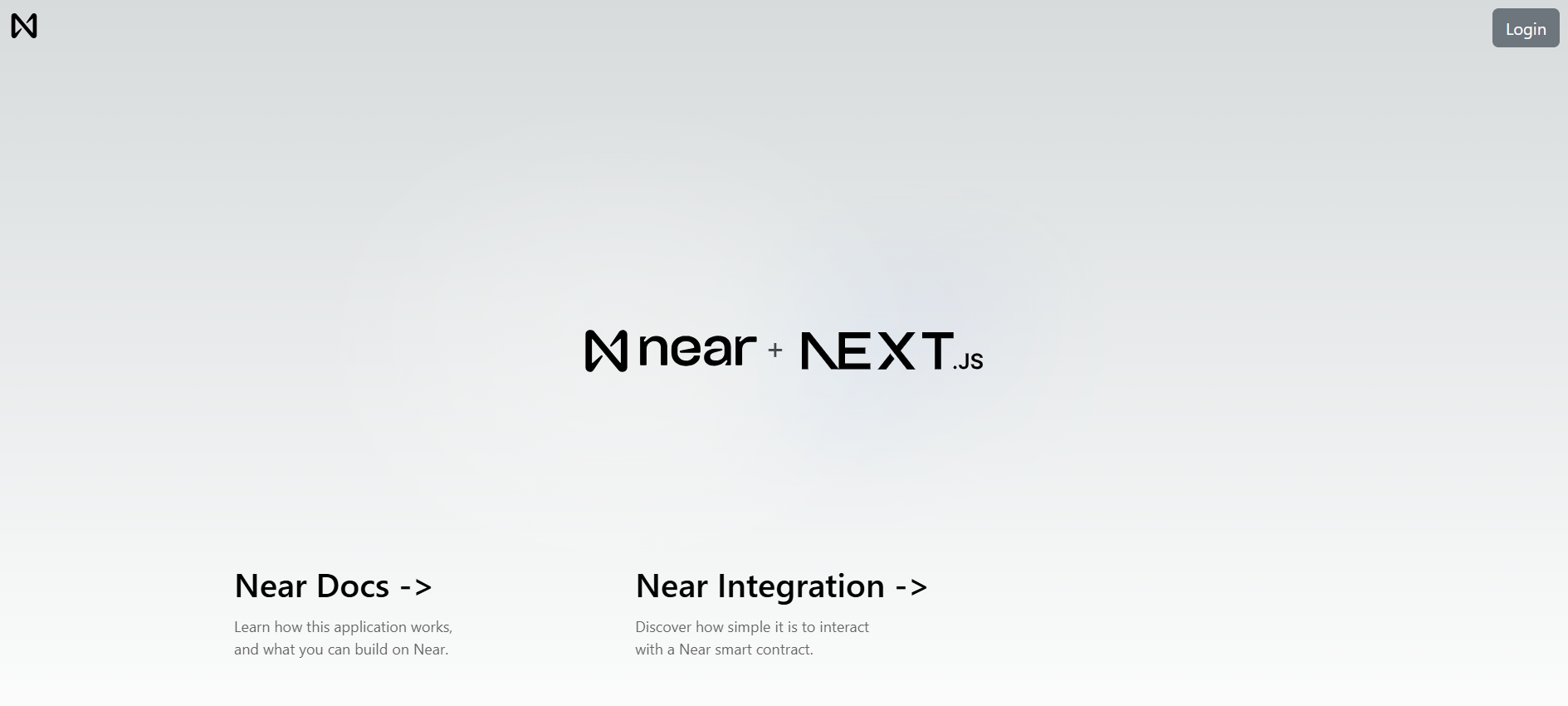
Once the app starts you will see the landing page, rendering a navigation bar that allows users to login using their NEAR wallet. You can then navigate to the docs or theNear Integration page (which we will do).
Context Provider
Next.js uses a template system, where each page is a React component. Our main logic is defined at./src/pages/_app.tsx, which:
- Creates a
NearProviderthat wraps the entire application to provide NEAR functionality - Renders the navigation menu and the page’s content
How does the NEAR provider work?
How does the NEAR provider work?
The app defines its own
NearProvider and useNearWallet hook in src/components/near-provider.tsx. The provider uses @hot-labs/near-connect to manage wallet connections and sign transactions, and near-api-js to query the blockchain.Navigation Bar
The navigation bar implements a button to allow users tologin and logout with their NEAR wallet. It uses the local useNearWallet hook from @/components/near-provider, which exposes the provider’s wallet state and sign-in and sign-out functions.
How Do I Call Smart Contract Functions?
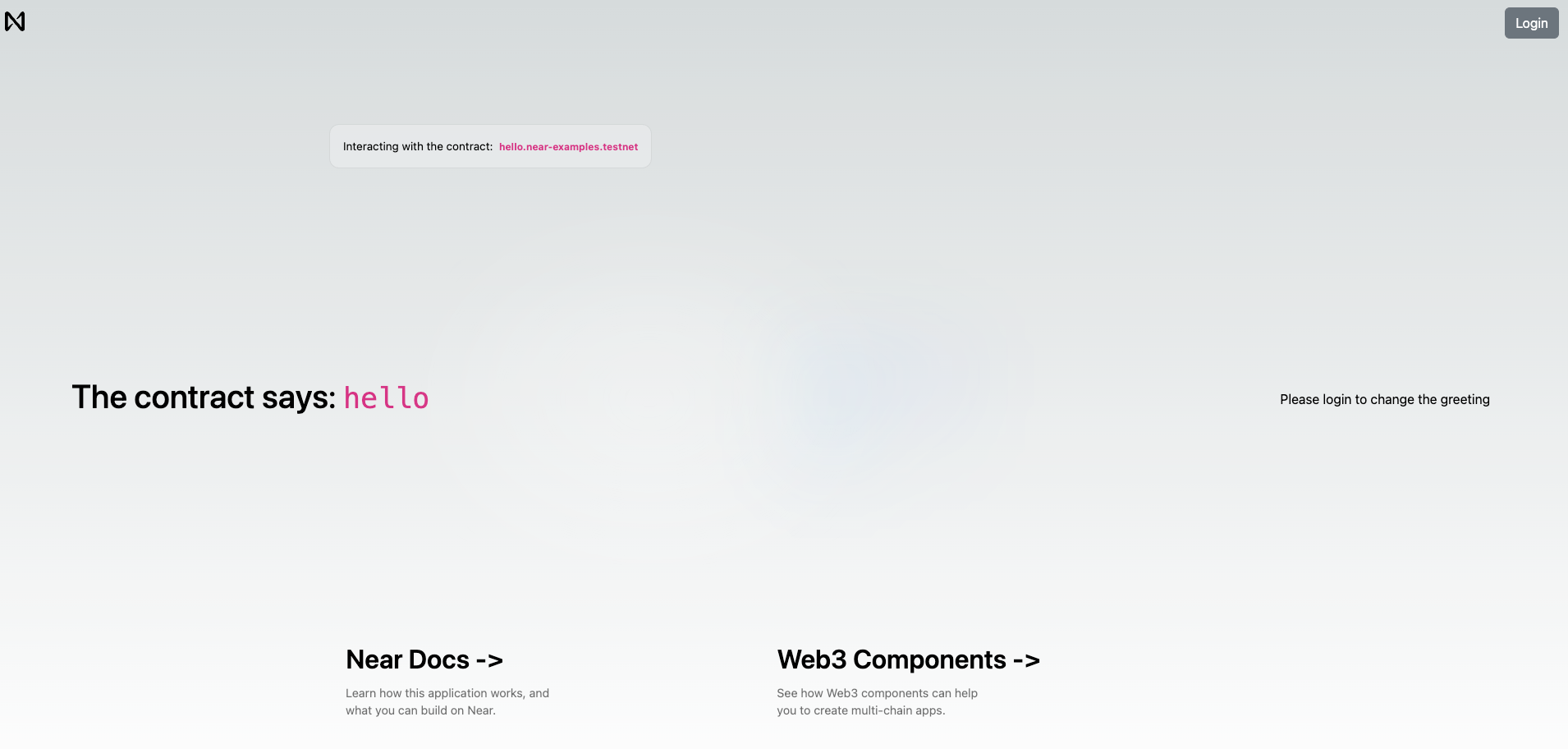
Now that you understand how the landing page works, we can move to theNear Integration page, which retrieves a greeting from the hello.near-examples.testnet contract.
Read vs. Write Operations
View methods query contract state without modifying it. Call methods change state and require the user to sign a transaction.
Near Integration page
Login if you haven’t done it yet and you will see a simple form that allows you to store a greeting in the smart contract.
Contract Functions
Just like the navigation bar, we use the app’s localuseNearWallet hook to get functions that allow us to call methods on the contract:
viewFunctioncalls read-only methods through thenear-api-jsRPC providercallFunctioncalls methods that modify contract state through the connected wallet’ssignAndSendTransactionmethod
Calling Read-Only Methods
For example, when we want to fetch the current greeting stored in the contract, we useviewFunction inside a useEffect hook:
Calling Change Methods
On the other hand, when the user submits a new greeting, we usecallFunction to send a transaction to the contract:
Common Questions
Do users need NEAR tokens to login?
No. Wallet login is free. Users only pay gas fees when they call contract functions that modify state.What wallets can users connect with?
Users can choose from the NEAR wallets available in the NEAR Connect wallet selection modal.How do I avoid users signing every transaction?
The template’s local provider registersfunction-call-key-plugin with NEAR Connect to create a function-call access key scoped to the contract’s set_greeting method. This allows the app to sign permitted non-payable calls automatically. See function-call keys at login for the setup.
Can I use this with an existing React app?
Yes. Install@hot-labs/near-connect and near-api-js and follow our integration guide.
Why Next.js instead of plain React?
Next.js is recommended but not required. You can use Vite/React, Vue, Svelte, or any framework. Checkcreate-near-app templates for options.